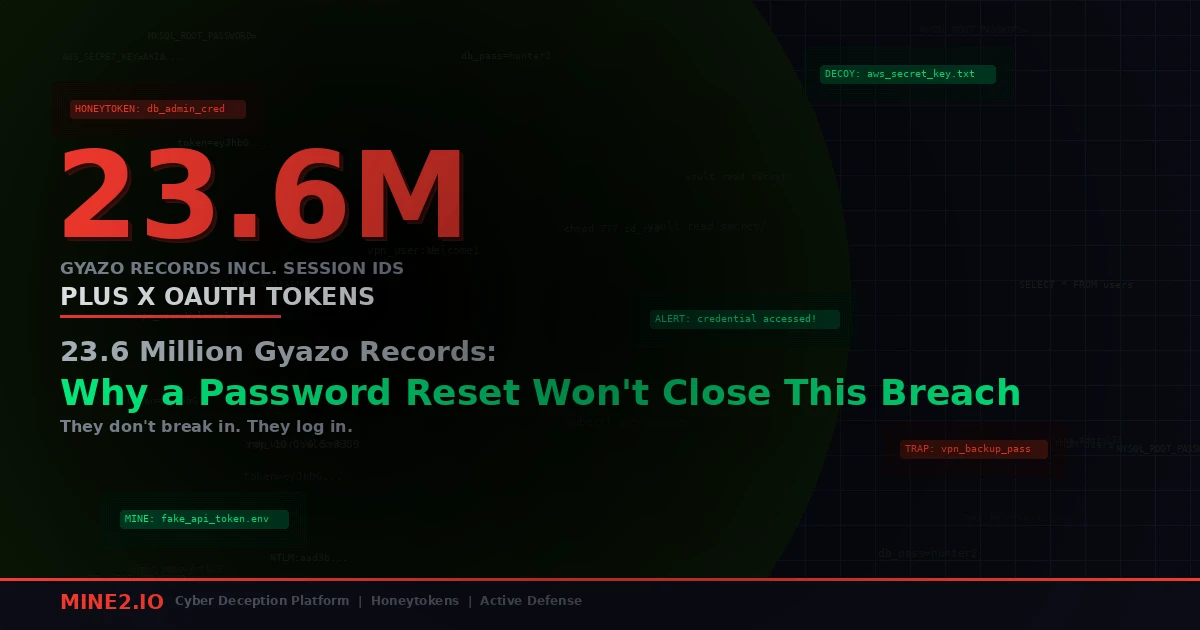
On the evening of September 11, 2026, engineers at Helpfeel, the Kyoto company behind the screenshot tool Gyazo, noticed something wrong on their image upload server. An attacker had found a bug there that let them run arbitrary commands, and from that foothold they reached the Gyazo database. By the early hours of September 12 Helpfeel had cut the connections and patched the flaw. By then the attacker had taken about 23.62 million user records and roughly 490 million image metadata records.
The advice in Helpfeel's September 16 notice was the advice you get after every breach: change your Gyazo password, and change it anywhere else you reused it.
That's correct, but it covers very little. I've read the field list in the disclosure three times now, and most of what makes this breach dangerous isn't something a password protects. So this post goes through the dump one credential at a time and asks the question I'd ask in an incident review: what actually invalidates this?
What was taken, according to Helpfeel
Help Net Security and The Hacker News both reported the same field list from Helpfeel's notice. Per user record, depending on the account:
- name or nickname, email address, password hash
- user ID, device ID, login session ID
- X integration token, for accounts linked to X
- Google SSO email address
- profile data, language, registration and last-login timestamps, subscription plan, billing status
And per image, for about 490 million records (mostly uploads from January 2019 or earlier, which Helpfeel puts at around 14.4% of its image data):
- the image ID used to build the image URL
- uploader IP address, user-agent, EXIF location
- OCR text extracted from the image
- title, source URL
- hashed passphrases for private images
Helpfeel says a further 2.4 million images' metadata was pulled separately using "specific filtering criteria", and it hasn't explained what the filter was. No payment card data was exposed. The count is records rather than people, because Gyazo lets you use it anonymously without an email address.
The timeline is also worth a look. According to The Hacker News, Gyazo's own status notices on September 14 and 15 called it "emergency maintenance." The incident went to Japan's Personal Information Protection Commission on September 15, and the public breach notice came out on the 16th. That's five days during which anyone holding a live Gyazo session had no reason to think it was compromised.
Credential one: the password hash
This is the only item the password reset actually fixes. Helpfeel hasn't named its hashing algorithm, so nobody outside the company knows whether this is bcrypt with a sensible cost or something much faster. Either way the risk is the same one we've dealt with for fifteen years: someone cracks the weak passwords offline and sprays them at email, Microsoft 365 and VPN portals.
If your staff used a work email to sign up for Gyazo, that email and a crackable hash are now sitting next to each other. That's a password-spray target list, and the playbook is familiar: force resets for matching corporate accounts where you can, and watch for the spray. We covered what that spray looks like against Entra in the LSHIY ROPC password spray teardown.
That part is familiar. The next two credentials aren't.
Credential two: the session ID
A session ID is proof that you've already logged in. Whoever holds a valid one doesn't need your password or your MFA, and they don't trigger the controls that run at login.
Gyazo has one of those controls. It emails a verification code when someone logs in from a new IP address. The Hacker News pointed out the catch: that check only runs at login. A replayed session ID never goes through login, so it never sees the check.
Does the stolen session ID still work? Helpfeel's notice says it took "the necessary measures, including invalidation and restrictions," without saying what got invalidated. If sessions were killed server-side on September 12, this risk is closed. If they weren't, a password change may or may not revoke existing sessions, depending on how Gyazo implemented it. Many apps don't.
I keep writing about this pattern because it keeps happening. When infostealers replayed Claude session cookies last month, the cookie outlived the login and the identity provider never saw a thing. The BigBear 2.0 Evilginx kit went further and stole post-MFA Microsoft 365 sessions at scale. Gyazo is the same lesson from the other side: nobody had to phish the session, because the server that issued it gave it up.
What invalidates it: only server-side session revocation. Your users can't fix this. The vendor has to.
Credential three: the X integration token
This is the one I'd lose sleep over if I ran social accounts for a brand.
When you link Gyazo to X, you're granting Gyazo delegated OAuth access to your X account. Gyazo stores a token so it can act for you, for example to post a capture. That token is a credential for X, not for Gyazo, and it's now in someone else's hands.
Changing your Gyazo password does nothing to it, and neither does changing your X password. Under X's classic OAuth 1.0a model, user access tokens don't expire on their own. They last until the user or the app revokes them. Helpfeel hasn't said which OAuth flow Gyazo uses or whether it has asked X to revoke the tokens.
That's why the most sensible line in the coverage is the one telling users to revoke the Gyazo connection from the X side and only reconnect once Helpfeel confirms the tokens have been replaced. If your marketing or support team ever linked a corporate X account to Gyazo to share screenshots faster, go and check Settings → Security and account access → Apps and sessions on that account today.
The Google SSO field is less alarming. The disclosure lists the linked Google email, not a Google token. That's useful for targeting, but it doesn't give anyone access on its own.
What invalidates it: revoking the grant at the identity provider, X in this case. Neither side's password matters.
Credential four: everything people screenshotted
This is where I disagree most with the way the breach has been covered. Headlines lead with 23.6 million user records. For a security team, the 490 million image records are the bigger problem, because of two fields: the image ID and the OCR text.
Think about what people actually capture with a screenshot tool at work: a terminal showing a failed deploy, an AWS console page, a Slack thread about an outage, a Postman request with the Authorization header still in it, a .env file they wanted to ask someone about. I've done IR work where the first working cloud key came out of a screenshot in a ticket, not out of a repo. Screenshots are where secrets end up once they've dodged every scanner that looks at text.
Gyazo's OCR feature turns those images into searchable text. It's a paid feature that users switch on themselves, and Gyazo's help pages say "Only you can see OCR results." That text is now in the dump. An attacker doesn't have to download anything. They can grep 490 million rows for AKIA, xoxb-, ghp_, sk- or password=.
The image IDs make it worse. According to The Hacker News, a Gyazo link is built from a 32-character ID and the help pages describe it as something that "can't be guessed." For captures at the default visibility, that unguessable link is the only access control. Now the IDs are leaked, so the links are effectively public. Helpfeel has temporarily blocked viewing of some images and says it "cannot rule out" that some private images were viewed.
Most of these images are from 2019 or earlier, and I'm not going to pretend otherwise. But think about how many of your 2019 credentials are still live. Service account passwords, long-lived IAM user keys and internal wiki URLs tend to outlast the people who created them. That's the same problem we saw with the Vite dev server .env harvesting: the leak is recent, but the keys it exposes are often years old.
What invalidates it: rotating whatever secret appeared in the screenshot. To do that, you first have to know it was ever screenshotted, and almost nobody does.
The shadow SaaS problem hiding in the field list
Gyazo is rarely a sanctioned enterprise app. It's a free download that a developer installs on day two because the built-in screenshot shortcut is clumsy. It never goes through procurement or a vendor risk review, and it doesn't show up in your SSO logs, because people sign up with an email or a Google account and nobody asks the security team.
So the most useful question for a CISO this week isn't "were we affected?" You can't answer it without a user list you don't have. The better question is: which of our secrets could have ended up in a screenshot tool we never approved?
Here's the short list I'd work through:
- Look for Gyazo in your egress and endpoint data. DNS or proxy logs for
gyazo.comandi.gyazo.com, plus software inventory from your EDR. That gives you a list of people, and those people are your scope. - Rotate anything long-lived that those people could see. Start with IAM user access keys, CI tokens and shared service account passwords. Rotate them regardless of age, not because you know they were exposed but because you can't prove they weren't.
- Check X, Slack and GitHub for third-party app grants on corporate accounts. Revoke Gyazo, and while you're there, revoke everything else nobody recognises.
- Force resets for corporate emails that appear in breach notifications, and keep watching failed-login patterns on your IdP for the next few weeks.
- Kill sessions, not just passwords. When one of your own apps rotates a user's password, make sure it revokes their existing sessions and refresh tokens too. The Gyazo disclosure is a good prompt to check that your apps do.
Where detection has to come from
None of the steps above tells you whether someone is using what they found. And that's the gap that matters. The OCR dump is a searchable haystack, and whoever is mining it will pick out the credentials that look valuable and try them. Your logs will show a successful API call from a valid key. Nothing in that call looks like an attack, because the key is real.
This is the case for planting credentials that aren't real. A decoy AWS key sitting in a runbook, a wiki page or a sample config looks exactly like the ones people screenshot. Nobody legitimate has any reason to use it, so the first time it's tried, you know two things for certain: a copy of that document left your control, and someone is actively testing what they took. There's no baseline to tune and no anomaly score. A single use is the whole signal.
I'd put those decoys exactly where the Gyazo data says secrets leak from: onboarding docs, troubleshooting pages, the internal wiki page everyone screenshots when the VPN breaks. Our deception solutions are built around that placement logic, and it works whether the leak came through Gyazo, a stolen laptop or a contractor's Slack export.
The broader point from this breach is simple. "Change your password" treats the password as the whole identity, and it isn't anymore. Session IDs, delegated OAuth grants and secrets captured in images each need their own revocation, and you can only revoke what you know about. If you'd like to see how decoy credentials placed in your own docs and wikis would have flagged someone mining a dump like this one, book a Mine2 demo and we'll walk through it on your environment.
Neha
Cloud Security Architect, Mine2
Neha works on cloud and identity security at Mine2, covering SaaS, OAuth, and the credential-theft paths attackers favour in the cloud.
Recent Articles
The Cookie Outlived the Login: Stolen AI Sessions and the Shadow Identity Problem
The Phishing Kit That Deletes Canary Tokens: What BigBear 2.0's Code Admits About Your Detections
The Address Bar Lied: Inside RecruitTrap and the Return of Browser-in-the-Browser Phishing
Need Security Help?
Protect your organization with MINE2's cyber deception platform.