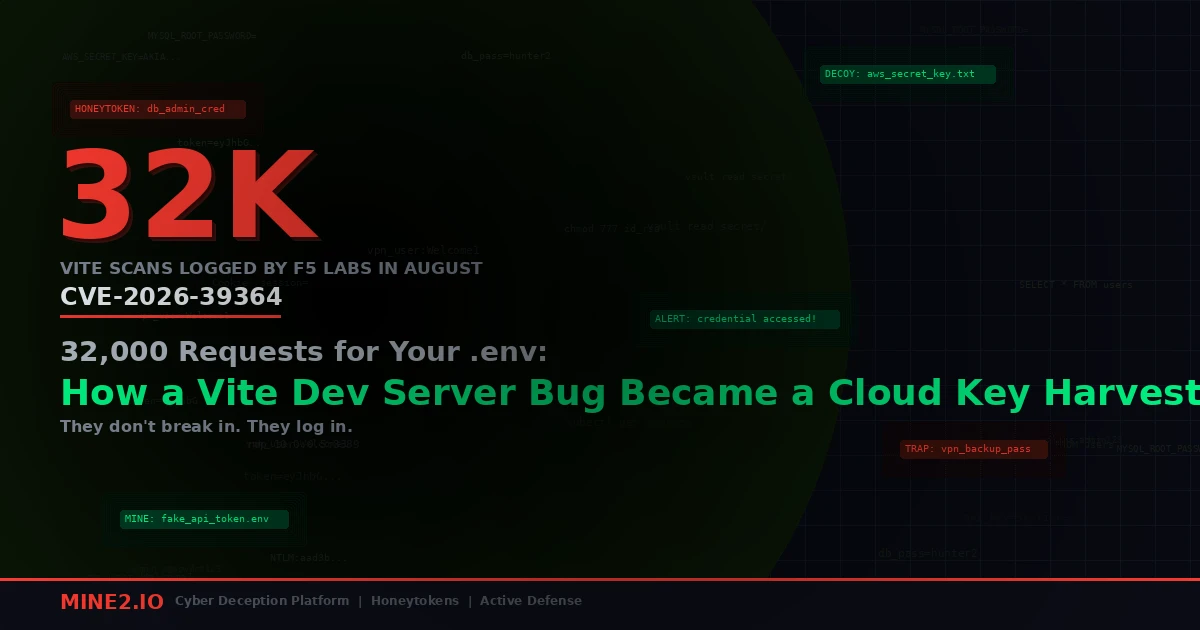
In August, F5 Labs' honeypot sensors recorded roughly 32,000 scanning attempts against exposed Vite development servers. Across the previous three months combined, the same sensors had seen 1,732. That's close to a 19x jump in one month, and according to F5 threat researcher Adam Metcalfe-Pearce, almost all of it was chasing one thing: plaintext cloud credentials.
The bug they used, CVE-2026-39364 (CVSS 8.2), was disclosed in April. It isn't clever. You add ?raw to a URL and Vite hands you a file it was configured to refuse.
I want to walk through this one request by request, because the scanner's wordlist tells you more about where your secrets actually live than most secrets-management audits do. And the way F5 found the campaign in the first place tells you how you'd find it on your own network.
One GET request, one file, no login
Vite ships a dev server with a special /@fs/ endpoint that serves files from disk so the browser can load modules during development. To stop that from turning into an arbitrary file read, Vite has a blocklist called server.fs.deny. By default it covers things like .env and *.crt.
Vite's own advisory (GHSA-v2wj-q39q-566r) spells out the bypass: files that should be blocked "can be retrieved with HTTP 200 responses" when you append ?raw, ?import&raw, or ?import&url&inline. The server normalizes the path, mishandles the query string, and the deny check never fires. The file comes back as plain text in the response body.
The Hacker News and Security Boulevard both describe the same three-stage chain from F5's report:
- The scanner sends an unauthenticated GET to
/@fs/with a sensitive path and one of the bypass suffixes. - Vite skips the deny check.
- The secret arrives in the response.
Affected versions are 7.1.0 through 7.3.1 and 8.0.0 through 8.0.4. Fixes landed in 7.3.2 and 8.0.5. The same scanning fleet also tried three older Vite file-read bugs (CVE-2025-30208, CVE-2025-31125 and CVE-2024-45811) plus a Next.js middleware bypass, so a patched-but-old project isn't automatically safe.
"But Vite only binds to localhost"
That's the first objection I hear, and it's correct. F5 says so directly: "Under default configurations, Vite binds to localhost." Exposure needs the --host flag, a server.host setting, or a Docker port mapping.
Here's the part the advisory glosses over. If you run Vite inside a container, localhost is the container's loopback. Your -p 5173:5173 mapping can't reach it. So the fix every Docker-plus-Vite tutorial gives you is to add --host, and it works, and nobody takes it out again. Then Docker publishes that port on all host interfaces by default, and the "local" dev server on a cloud VM, a shared staging box, or a preview environment is now answering the internet on 5173.
I've seen this pattern on cloud dev instances that were spun up for a demo and never torn down. Nobody thinks of them as production. They're not in the asset inventory. They do have a .env file with the real staging database password, because that was the fastest way to make the demo work.
Reading the wordlist
Metcalfe-Pearce put it plainly: "Rather than target a single file, the scanning fleet systematically cycled through extensive wordlists." The Hacker News published the paths that stood out. Each one is a lesson.
.env and AWS credential/config files, plus their backups. The obvious ones. The backups are the interesting part. Somebody out there has an .aws/credentials.bak from the last time they switched profiles, and the scanner knows it.
terraform.tfstate. This is the one that should worry platform teams most. Terraform state stores resource attributes in plaintext, and that includes generated database passwords, access keys created by the config, and connection strings. A developer who runs terraform apply from the same repo as the frontend has a state file sitting inside Vite's allowed directory. One request gets you a map of the infrastructure and some of the keys to it.
serverless.yml and Azure profiles. Same idea, different cloud. Serverless configs often carry environment blocks with API keys inline.
/proc/self/environ, /proc/1/environ, /proc/self/cwd/.env. This is where the scanner shows it understands how apps are actually deployed. F5 called the /proc/self/cwd/.env request something that "demonstrates an understanding of the deployment stack", because it reads the running app's .env without knowing where the app lives on disk.
The environ requests are the ones that break the usual advice. A lot of teams have moved away from .env files. Secrets get injected as environment variables by the orchestrator, the CI runner, or a secrets manager sidecar. That's good practice, and it doesn't help here. In a container, PID 1 is usually your app, and /proc/1/environ is every environment variable it was started with. "We don't commit .env files" isn't a defence against a file-read bug. The secret is still on disk, just in a different place.
The traffic was built to look boring
Two details from the reporting say a lot about who's running this.
First, the User-Agent strings. The Hacker News lists Googlebot, ClaudeBot, GPTBot, PerplexityBot, OAI-SearchBot and Amazonbot. Two years ago a fake Googlebot was a cliché. Now the list leans on AI crawlers, and that's deliberate. Plenty of teams have added allow rules for AI crawlers over the past year so their docs show up in answer engines. A request claiming to be GPTBot gets waved through by rules that would block an unknown scanner. F5's advice is blunt: allow bots by reverse DNS, not by what the header says.
Second, forged X-Forwarded-For and X-Real-IP headers, with values such as 34.94.237[.]62 and 104.28.219[.]193. If your app, your logging pipeline, or your WAF trusts those headers without checking which proxy set them, the log line records the forged address. Your investigation starts with the wrong IP. Some requests also used double-encoded path traversal, which F5 read as an attempt to get past reverse proxies and WAFs.
The real traffic came mostly from Google Cloud ranges (34.x and 35.x). Security Boulevard's breakdown of F5's data puts the United States at 17,297 events, more than half the total, followed by Belgium at 4,407 and the Netherlands at 4,011. Cloud IPs, crawler user agents, forged proxy headers. Every layer was picked to blend into the noise a normal web server sees all day.
Why nobody in production saw it
Think about which of your controls would have raised a flag here.
Your EDR is on laptops and production servers. The dev VM running npm run dev with --host probably has it, maybe. Even if it does, a Node process serving a file over HTTP is exactly what that process is supposed to do. There's no exploit payload, no child process, no memory corruption. It's a 200 response.
Your SIEM might get the web logs, if the dev box ships logs at all. Most don't. And if it does, you're looking for one GET with ?raw in it among thousands of normal module requests, with a user agent that says GPTBot and a forwarding header that names someone else's IP.
Your cloud detections will fire eventually. When the stolen AWS key gets used from somewhere odd, GuardDuty or an equivalent might catch it, depending on what the attacker does and how fast. That's detection at the point of use, and it depends entirely on the attacker doing something that looks anomalous for that specific key. If the key belongs to a CI role that already calls sts:GetCallerIdentity and lists S3 buckets all day, the attacker's first moves look like Tuesday.
This is the same gap we covered in the Zerofot scanner writeup, where an automated pipeline harvested 2,975 keys in 48 days, and in the LiteLLM default-key story, where an AI gateway leaked the cloud credentials sitting behind it. The theft happens somewhere you're not watching. The use happens somewhere you can't tell apart from normal.
The part F5 got right without trying
Here's what I keep coming back to. F5 didn't find this campaign with a WAF signature or a threat feed. They found it because they run honeypot sensors: systems that exist only to be attacked. Nobody legitimate has a reason to request /@fs/proc/1/environ?raw from a sensor, so every one of those 32,000 events was, by definition, hostile. There was no tuning, no baseline, no false-positive triage. The sensor's only job is to be found.
That's the whole argument for deception in one data point. The attacker's automation is thorough. It cycles through every path on the wordlist. Thoroughness is exactly what makes a planted target work.
You can apply this at two layers.
At the network edge. A decoy service that looks like an exposed Vite dev server on 5173, or any other developer port, gets hit by the same fleets. Every connection is a confirmed scan with a real source address (the TCP peer, not the forged header). That's what a MineField decoy service does: it gives you a sensor that only attackers talk to, placed where they're already looking.
Inside the file itself. This is the layer I'd prioritise. The scanner is going to read .env, .aws/credentials, terraform.tfstate and /proc/self/environ on whatever it reaches. So put something in those places that tells you when it's been used. A decoy AWS access key in a dev .env, next to the real variables, that has no permissions and no legitimate caller. A fake database connection string in the Terraform outputs. A decoy Azure profile. None of these will ever be used by your own code. The first time one authenticates anywhere, you know which box leaked, and roughly when.
That changes the question F5's final recommendation leaves you with. They say, correctly, that anyone who ran an unpatched, exposed Vite server should "treat accessible secrets as potentially compromised" and rotate them. The trouble is "potentially". You don't know whether your box was one of the 807 attack sessions or not. You rotate everything, which is right but slow, and you still don't know whether anyone used the old keys before you rotated them. A decoy key sitting in the same file answers that question for you. If it fires, the real keys next to it were taken too, and you rotate with urgency and scope your investigation from the timestamp. If it never fires, you've got real evidence, not a hope.
We wrote about the same idea for build systems in the JetBrains CI credential piece. Developer environments are credential-dense and poorly monitored, which makes them the cheapest place to plant a tripwire and the most expensive place to miss one.
What I'd do this week
If you only have an afternoon, here's the order I'd work in.
- Find the listeners. Search your cloud accounts and internal ranges for anything answering on 5173 and 4173 (Vite's dev and preview defaults), plus 3000 and 8080. Check Docker Compose files for published Vite ports. Grep your repos and devcontainer configs for
--hostandserver.host. - Patch Vite. 7.3.2 or 8.0.5 and later. Check lockfiles, not just
package.json, because Vite often comes in through a framework. - Get state files out of app repos. Move Terraform state to a remote backend. If
terraform.tfstateexists on a developer machine inside a frontend project, it's inside Vite's allowed directory. - Fix proxy-header trust. Make sure your logging and WAF only honour
X-Forwarded-Forfrom proxies you control. Otherwise your incident timeline starts with a lie. - Stop allowlisting by user agent. Reverse-DNS verify crawlers or don't allow them special access at all.
- Rotate anything that was reachable. If a server was exposed and unpatched at any point since April, assume F5's advice applies to you.
- Plant decoy credentials in the files the wordlist targets.
.env,.aws/credentials, Terraform outputs, and the environment of long-running dev containers. That's the step that turns the next scan into an alert rather than a guess.
The Mine2 solutions overview covers how decoy credentials and decoy services fit together across endpoints and cloud accounts. The design principle is simple: nothing legitimate touches them, so every touch is real.
The next Vite-style bug is already somewhere in the dev tooling your teams run with --host because a tutorial told them to. Metcalfe-Pearce noted "how quickly newly disclosed bypass methods are folded into automated credential-harvesting operations", and this one went from April advisory to a 19x traffic spike by August. You won't win the race to patch every dev server. You can make sure the files they steal report back. If you want to see what a decoy AWS key in a dev .env looks like when a scanner picks it up, book a Mine2 demo and we'll walk through a live trigger.
Arjun
Lead Detection Engineer, Mine2
Arjun builds detection logic at Mine2, focusing on the blind spots EDR and SIEM leave behind and how honeytokens close them.
Recent Articles
2,975 Keys in 48 Days: The Zerofot Scanner Proves Credential Theft Has Been Automated End to End
Your API Keys Don't Have MFA: Why Non-Human Identities Are the Biggest Blind Spot in Enterprise Security
Toyota's Sensitive Repo Was Publicly Exposed for 5 Years Before They Knew! How Can You Be Iron Sure to Not Repeat the Mistake?
Need Security Help?
Protect your organization with MINE2's cyber deception platform.